 Project Wildshard
Play now ↗
Project Wildshard
Play now ↗
what is it like to build one?
Build a shard.
Describe a world to Claude or any coding agent. It builds a shard you can walk, and one day everyone else can too.
a lighthouse on a storm coast, and a keeper who won't leave
· wildshard new my-shard: the template, one 500 m cell
· three pitches and a look, for you to pick
· the grey world first: a road in from every edge
✓ wildshard validate: every budget, every edge
· wildshard dev: walk it in your browser
Today: the SDK and its checks build the shards of our own alpha. When creator keys open: you install them and build yours.
- The idea, in one line.
- Every pick: the pitch, the look, the map.
- Play the grey slice; say what's dull.
- Writes the shard: ground, places, creatures, quests.
- Brings each pick to you as pictures first.
- Runs build and validate after every step.
Claude Code, Codex, Cursor, OpenCode: any coding agent that can edit files and run a terminal. In our experience Claude Opus 5.5 makes the best shards today.
what do I actually do?
Six steps, in full.
From a key to a cell on the grid. Steps 1 and 6 open with creator keys; the four between them are how our own shards are built today.
- Get a creator key (when keys open)
Keys aren't open yet. Join the waitlist and we'll write when they are. Your key ties every shard you upload to your name.
key ws_live_•••••••• ✓ signed in as you
- Install the Wildshard skill and SDK in Claude or any coding agent
The SDK is the shard format and four commands:
new,build,validate,dev. The skill teaches your agent the order to work in: the idea and a playable slice first, the look last.wildshard new my-shard
✓ copied the template · one 500 m cell, ready to build
- Describe it. Your agent builds it on a floating cube
Start with one line. Before it builds anything, your agent comes back with pictures: three pitches, a look, a map, first-person views. You pick at every stage. Then it builds the world in grey, so you play it before it's pretty.
See one sentence become a shard ↓a frozen fjord where you are the last ferryman
· carving the fjord · freezing the bay · placing the village
wildshard buildandvalidatecheck every budget and edgeEvery build is measured against the shard's budgets, and anything over them refuses to build. Validate then runs your shard with no screen and walks every road in from the edges.
✓ budgets · ✓ 60 ticks · ✓ 92 paths in from the edges
- Walk it locally
wildshard devopens the real game with your shard in it, on desktop or on your phone. Save a file and it rebuilds and reloads; a broken build keeps the last good one on screen. - Upload it to the world (when uploads open)
When uploads open, your shard takes its own cell on the grid, beside everyone else's, with your name on it.
can one sentence really become a shard?
One sentence to a shard.
Thin Ice is our own dry run of step 3: one line, five stages, a plan we're going to build. The shard itself isn't built yet.
- 01 · The line
a frozen fjord where you are the last ferryman
- 02 · Pitch
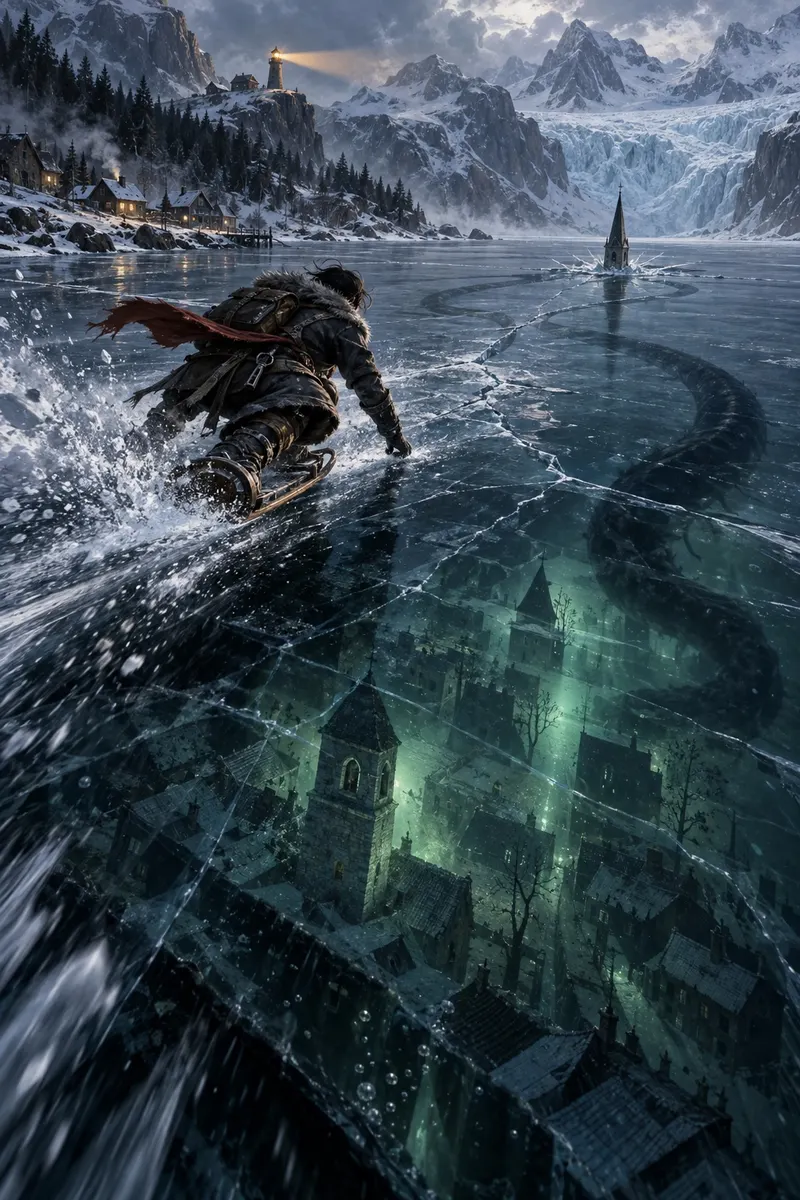 Concept art
Three pitches. We picked Thin Ice: race the ice on a sled-board and find the village that drowned beneath it.
- 03 · Style
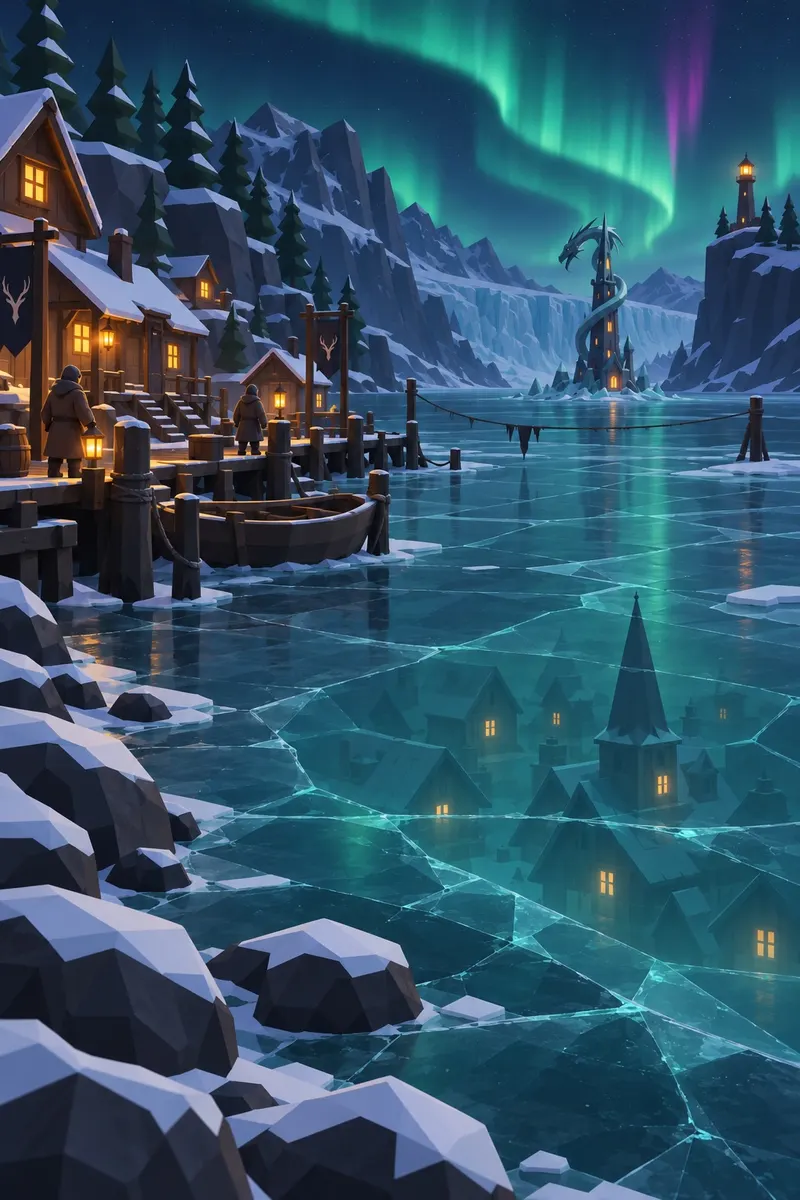 Concept art
Three looks tried; we kept "Aurora, kept simple".
- 04 · Map
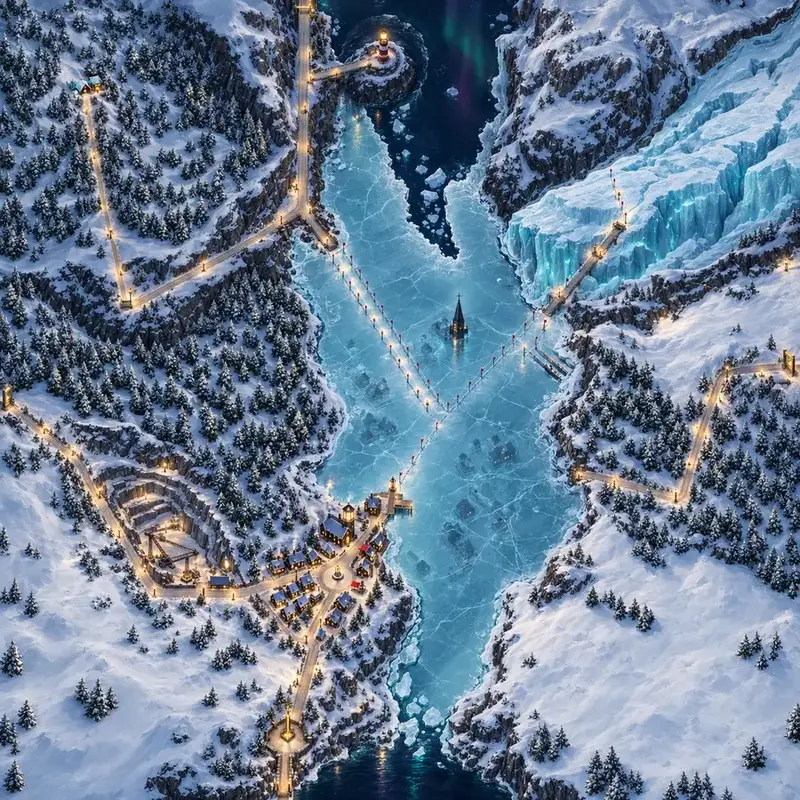 Concept art
The map, from a 3D blockout: eleven places and three beacons.
- 05 · In view
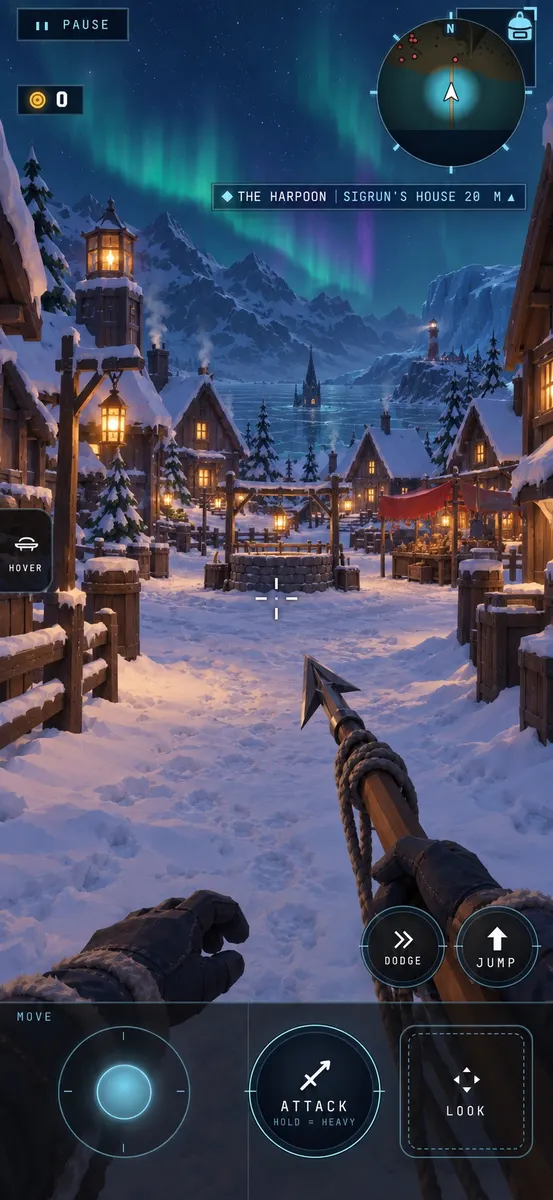 Concept art
First-person views before a line of the level is built.
where does every shard start?
The template.
Every author starts from the same grey shard: a complete, working project you copy and make your own. It builds, validates and walks on day one.
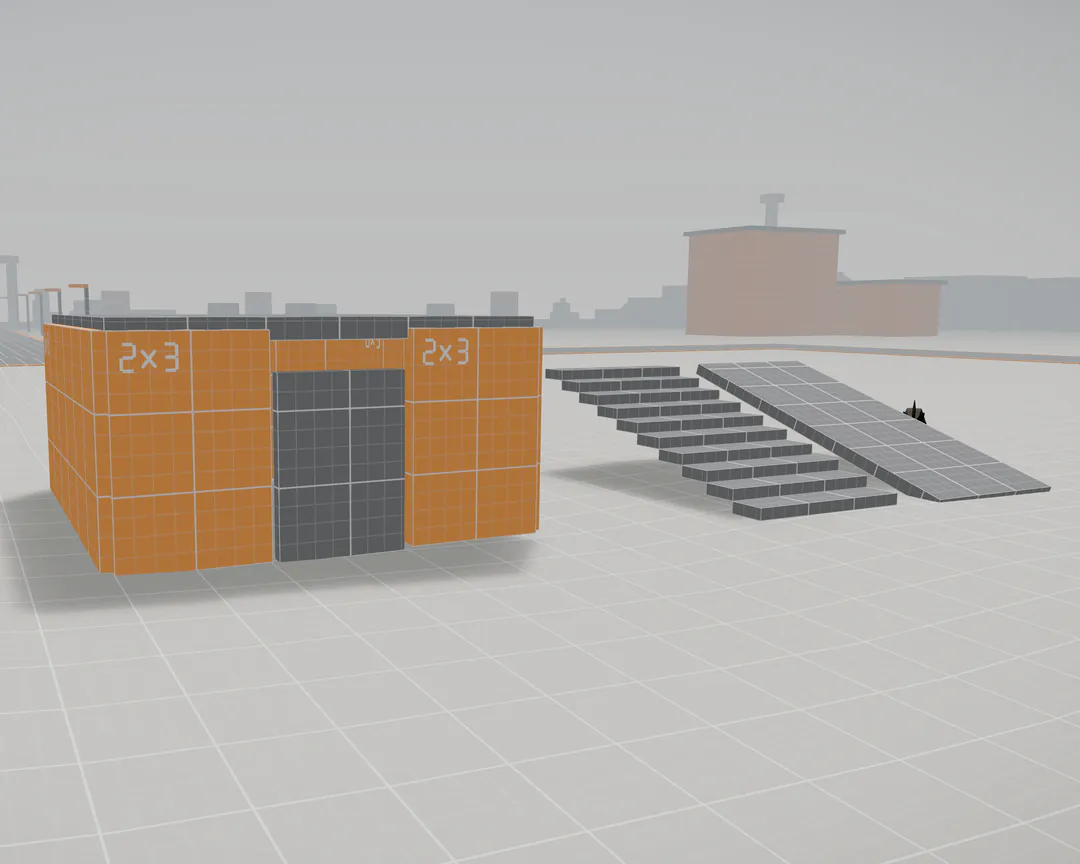 In engine · The Template
shard.config.tswho the shard is: its name and its rulesdata/ground, props, creatures, items, water, the look, the soundsquests/the adventure, step by stepbehaviour/small scripts, run in a sandboxgenerators/build-time code that fills the 500 m cell: roads, set pieces, districtsassets/models, textures and sounds, baked
what keeps a shard fast on my phone?
Budgets, checked every build.
A shard has to run on a phone, next to its neighbours. So every build is measured, and a new shard over budget doesn't build.
- 1 GB memory while you play, 1.8 GB while loading: everything in view, neighbours and engine included.
- 8 MB for a shard's shared library, and about 300 KB for each tile of ground.
- 8 draws and 40,000 triangles for each tile near you; one draw for a whole shard far away.
- ¼ frame for scripts, about 4 ms, in a sandbox with a fuel limit.
- 60 fps on desktop and 30 on a phone, measured, not estimated.
wildshard validate my-shard
✓ PASS · every budget measured, no refusals
✓ 60 ticks with no screen · no script failed
✓ 92 paths walked in from all four edges
✗ REFUSAL: library download budget bytes: 8000001 > 8000000
One byte over and nothing is written. Validate plays your shard with no screen, then walks 92 paths in from all four edges: a wall, a cliff or deep water across a road fails it, whatever the shard says about itself.
The shardfile and the sandbox, in depth →what tools do I get?
The tools.
What we build our own shards with today, and what comes next. Each new tool arrives when a new shard needs it.
- In useThe wildshard CLI
new,build,validate,dev: a project from the template, a checked package, and a preview that reloads as you save. - In useExplore, in the game
Every model, set and place of a shard in the real engine: turn a model, walk a set, try a feature in its own playground.
- In useThe drafts site
A shard before it's built: every stage's pictures and picks, a slider between any two versions of a view, the planned models and sets as mock-ups, and Map Lab, which tests a map for walkable ground and sightlines before any ground exists.
- DraftThe WorldClaw skills
The workflow as skills for your agent: guided, with you at every pick; zero-shot, from one sentence; or a fast low-poly sketch to try a layout.
- NextComposition, Coverage, Beats
New tabs in the game's Explore: place things by hand, see which ground is polished, and play a shard from any beat.
does a shard stay the same forever?
Shards that grow.
An uploaded shard is a start, not an end: you keep changing it, with friends, while players are inside.
- Co-edit with friends.
- Renovate abandoned shards.
- Your name and title travel with you.
- Two wallets, so no shard can break the economy.